PCB AutoRouting Engine
Automated PCB trace routing for KiCad, Altium Designer, and Cadence Allegro layouts. Submit your board file below for automated execution.
FREE
BETA
MAX 4 COPPER LAYERS
2 BOARDS PER MONTH
// SYSTEM CHECKLISTBEFORE YOU UPLOAD
01.Placement & Board OutlineREQUIRED
Outline must be completely closed. Keep every footprint inside bounds. Component placement is not auto-generated in the free version.
02.Design Rules Check (DRC)RECOMMENDED
Run DRC in KiCad, Altium Designer, or Cadence Allegro to clear footprint, clearance, and net errors prior to uploading.
03.Copper Layer LimitsMAX 4
Free beta processing capped at 4 copper layer stackups.
04.Account Quota2 / MONTH
Usage is restricted to two PCB processing runs per account per month.
Confidentiality NoticeKeep confidential, proprietary, export-controlled, or third-party restricted designs off this page. Public submissions and routed results may be published in a public GitHub repository. Read the terms.
// AFTER SUBMISSION
We email the verified address on your GitHub account as soon as the job is done, with the routed board file and routing report attached.
// PIPELINE INPUTSUBMIT BOARD FOR ROUTING
AutoCuro generated boards
Available on github.com/AutoCuro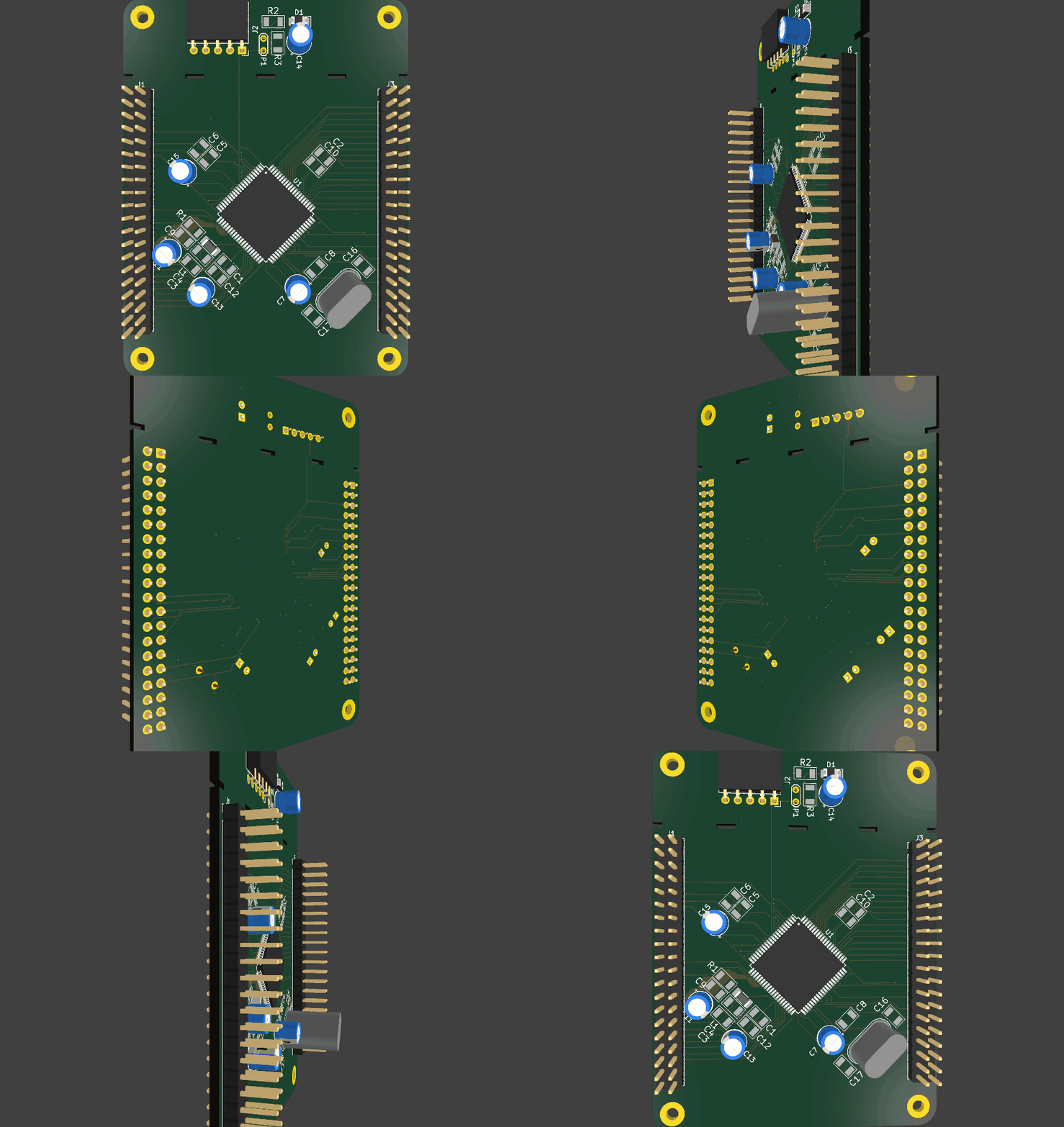
Board 1 / 5